Install Anaconda on your Ubuntu Shell
By Heidy Ramirez-January 27, 2021
Anaconda Navigator is a great GUI that allows you to open different applications easily from one interface. My personal favorite is Spyder, which is a powerful python IDE that allows for easy debugging, advanced editing, and implementation.
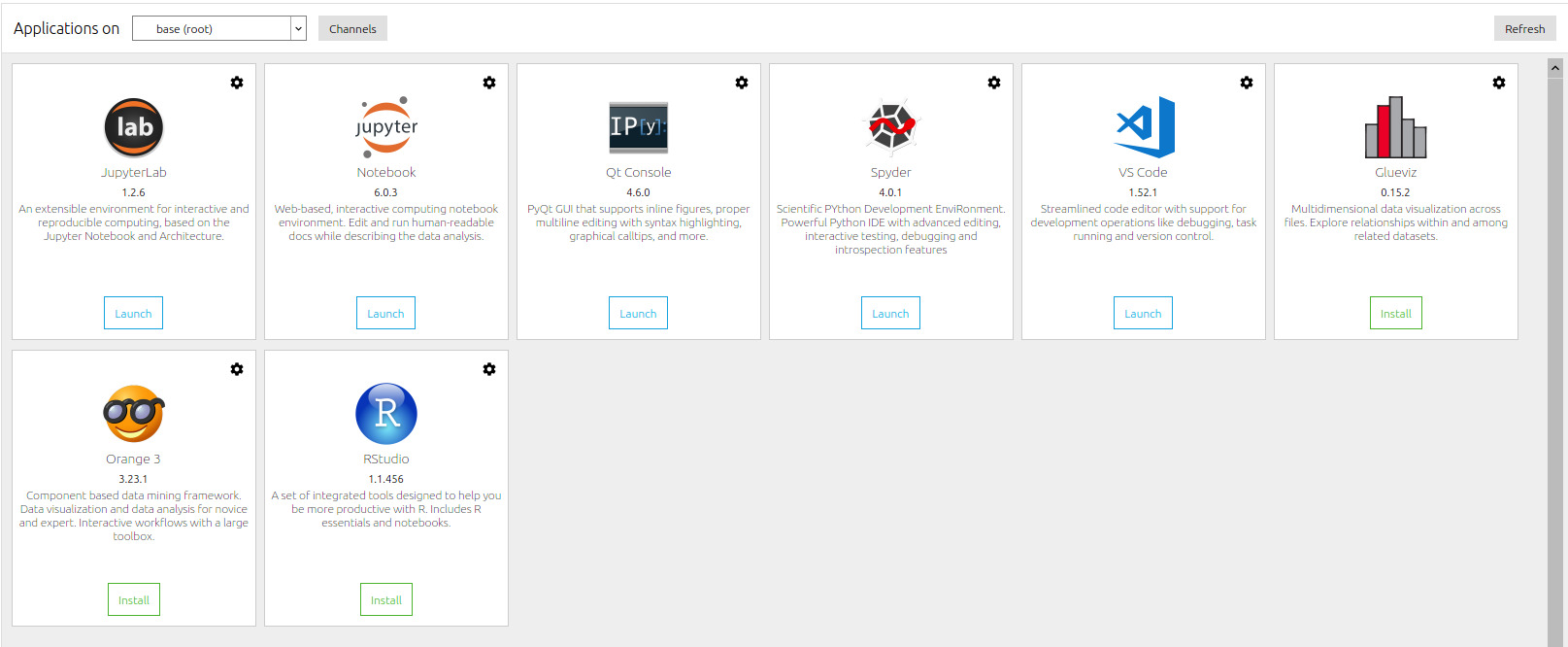
To install the Anaconda Navigator follow the following steps:
Update your Shell
sudo apt updateInstall GUI application
sudo apt install -y libgl1-mesa-glx libegl1-mesa libxrandr2 libxrandr2 libxss1 libxcursor1 libxcomposite1 libasound2 libxi6 libxtst6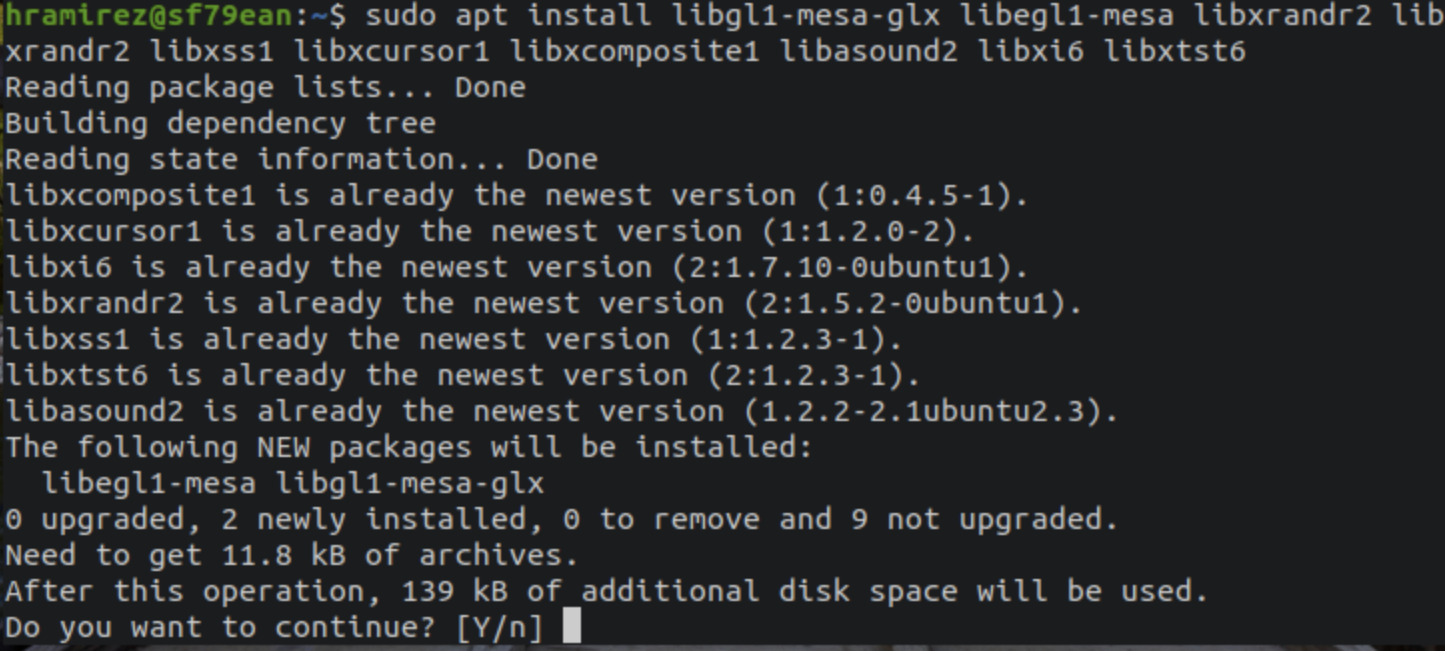
Type "y" for yes to continue.
Download the Anaconda installation script
wget -P /tmp https://repo.anaconda.com/archive/Anaconda3-2020.02-Linux-x86_64.sh 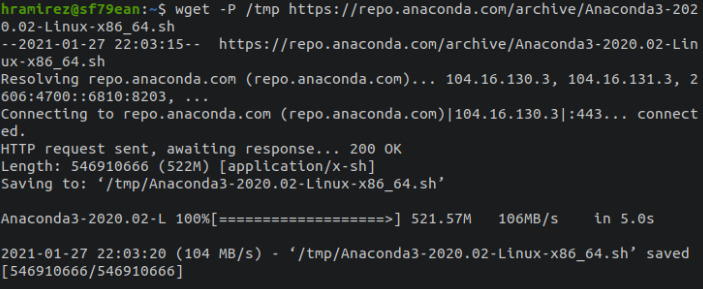
After this, execute the following command to begin the script
bash /tmp/Anaconda3-2020.02-Linux-x86_64.sh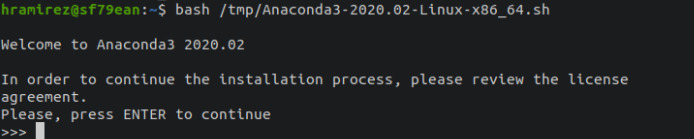
To scroll through the agreement continuously press enter.
Verification
source ~/.bashrcconda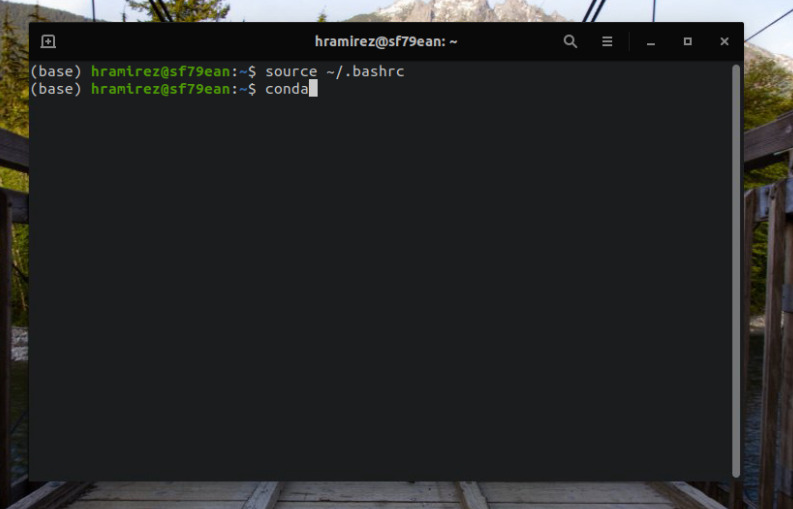
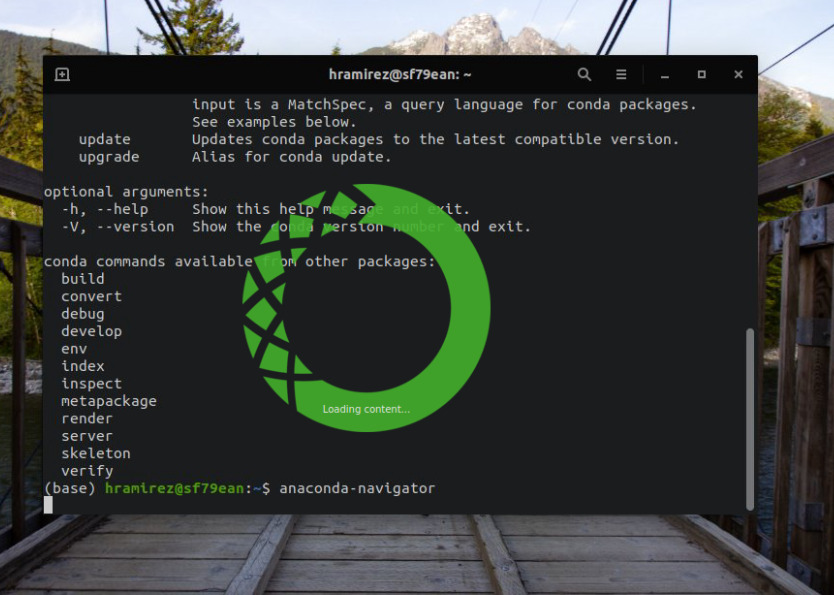
Type the following to start the Anaconda GUI.
anaconda-navigator